Task 5
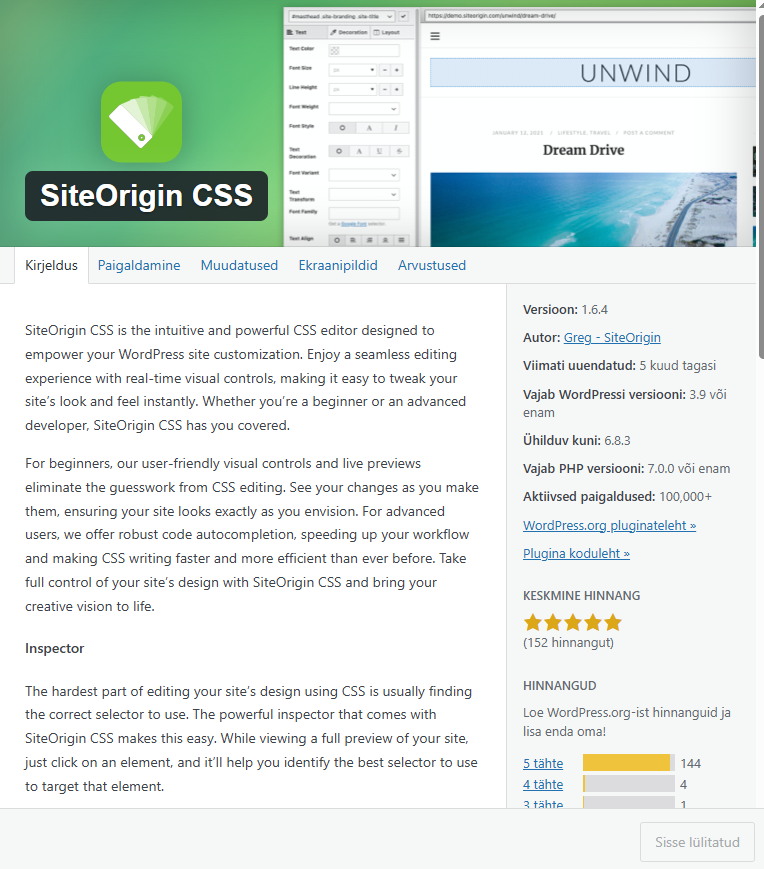
Install the SiteOrigin CSS plugin.
Go to Appearance > CSS Editor.
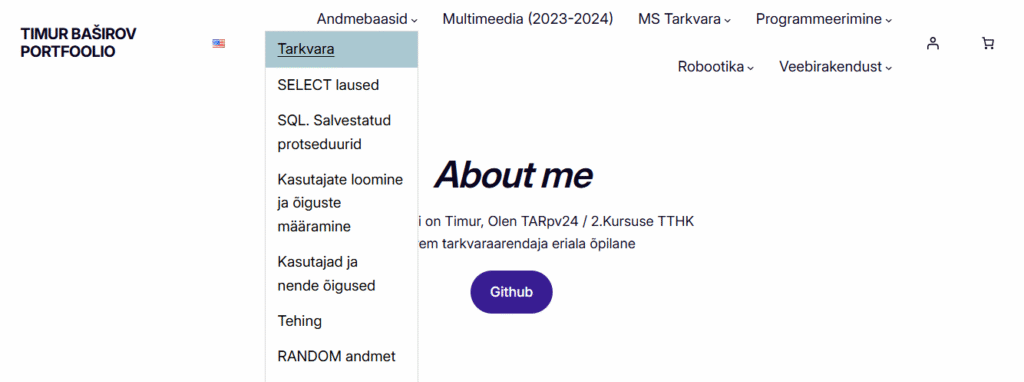
Change the font style and size of the header, and the background color of the navigation menu when hovering over it with the mouse.
Installs the SiteOrigin CSS plugin

Result
I changed the font size in the navigation menu, added a color change when the mouse is moved over a topic in the navigation menu, and changed the style of the About me text to italics.
Before changes:
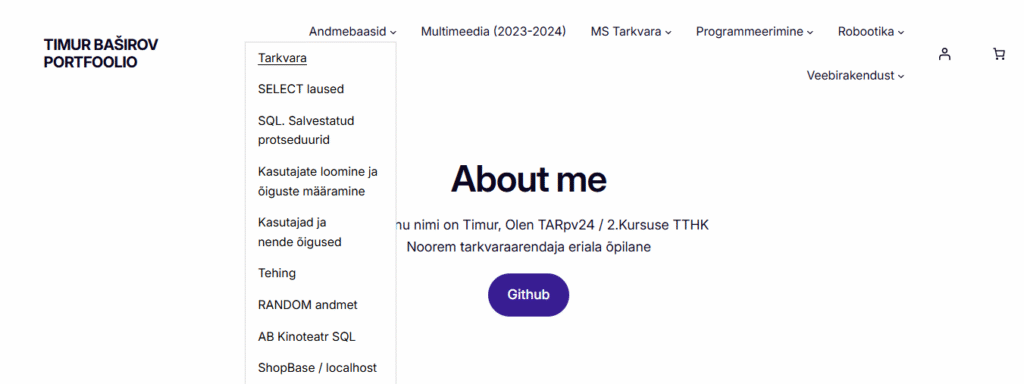
After changes: